FREE
$0
for as long as you write
- Write, with unlimited Publications, Documents and Categories
- Show your writing on an SDK-driven website
- Design wizard, save up to 3 designs

Built on Bluesky's open network
SkyScribe is a writing and publishing tool built on Bluesky's open network. Your writing lives in your own Bluesky account, and we turn it into a website that's ready for readers, with no code.
New here? Read the guide
Why SkyScribe
On most blogging platforms, the platform holds everything you write. If it changes its rules, its prices or shuts down, your writing goes with it.
SkyScribe works the other way round. Everything you write is saved to your own Bluesky account, never on our servers. Stop using SkyScribe and your writing stays exactly where it is.
On most platforms
With SkyScribe
How it works
No new account and no new password. If you don't use Bluesky as a social network, that's fine: your account can just be where your writing lives.
Create a Publication (your blog), then write Documents (your articles) in a rich-text editor. Sort them into Categories, add images, embed videos and posts, and save drafts until you're ready to publish.
Pick a template in the design wizard, make it yours with colours, fonts and layout, and watch a live preview as you go. Launch it at your-name.skyscribe.site, or connect a domain you already own.
Your SkyScribe Site is just one reader of your writing. A developer can build their own website from the same content, and other apps on the open network can show it too. Use one, use several, or switch later. Your writing stays put.
Features
Headings, lists, tables, code and quotes, with drafts saved as you go.
Paste a link to a video, a song or a Bluesky post and it appears in your Document.
Sort your Documents into Categories, so readers find what they're looking for.
Upload images once, sort them into folders, and use them across every Publication.
PROInvite other Bluesky accounts to submit Documents to your Publication, and approve what goes live.
Already writing in Leaflet, pckt, Offprint, GreenGale or WordPress on the same account? Import a copy in a click.
Start at your-name.skyscribe.site, then connect www.yourname.com, included with every site.
Page views, visits, top pages and where readers came from, with nothing to set up.
PRO AND SDK-DRIVEN WEBSITESTemplates
Pick an Archetype, the shape of your site: a magazine, a newsletter, an archive, a personal page, a newspaper or a gallery. Each comes with a template to start from. Then change the colours, fonts, header, menu and footer until it feels like your own design. The preview updates as you go, on desktop and on a phone. Try it now, with no sign-in.
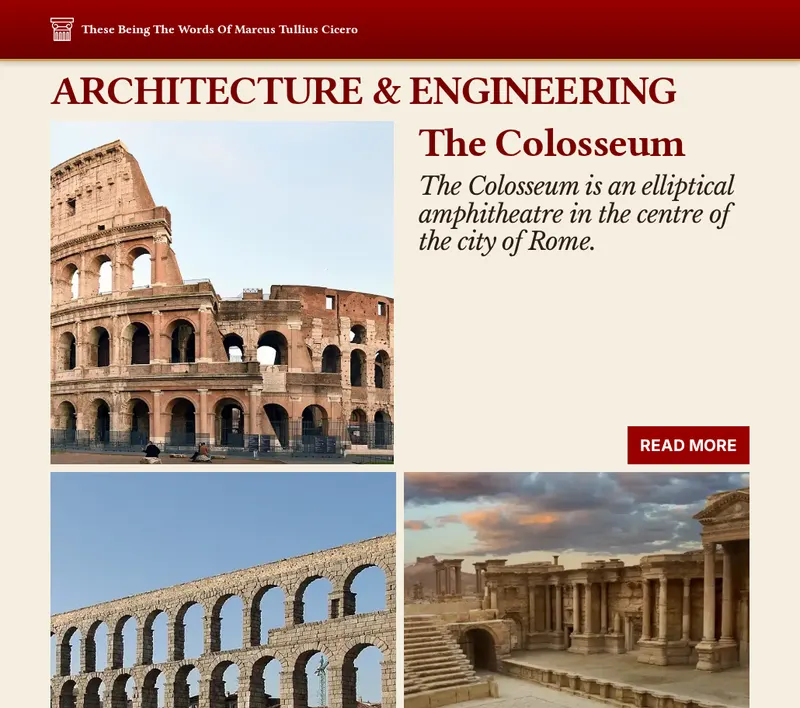
A magazine grid of Categories. Deep red and serif type, for history and long reads.
4 templates
A magazine grid of Categories. Deep red and serif type, for history and long reads.
4 templates
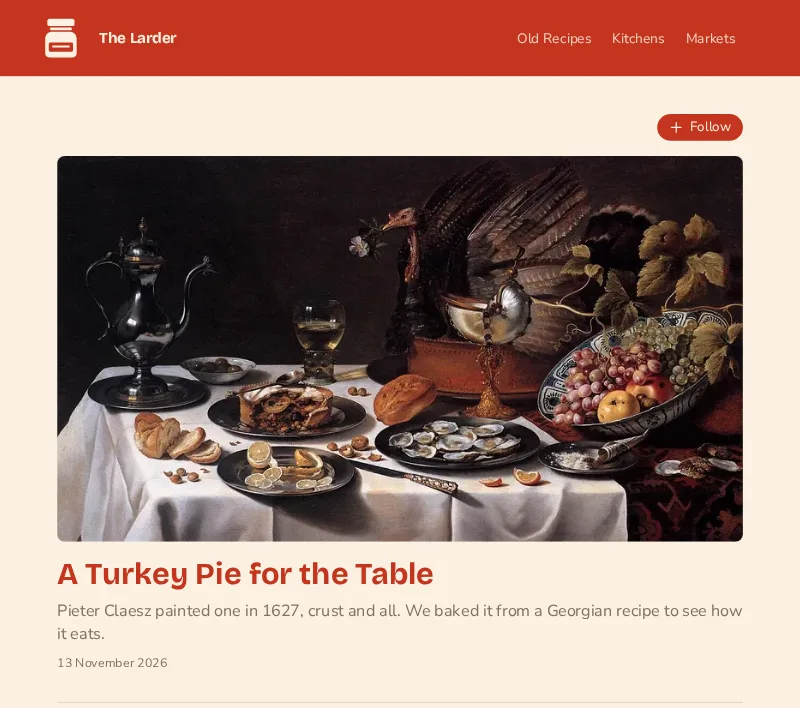
A newsletter. Warm cream and tomato red, for a weekly food letter.
3 templates
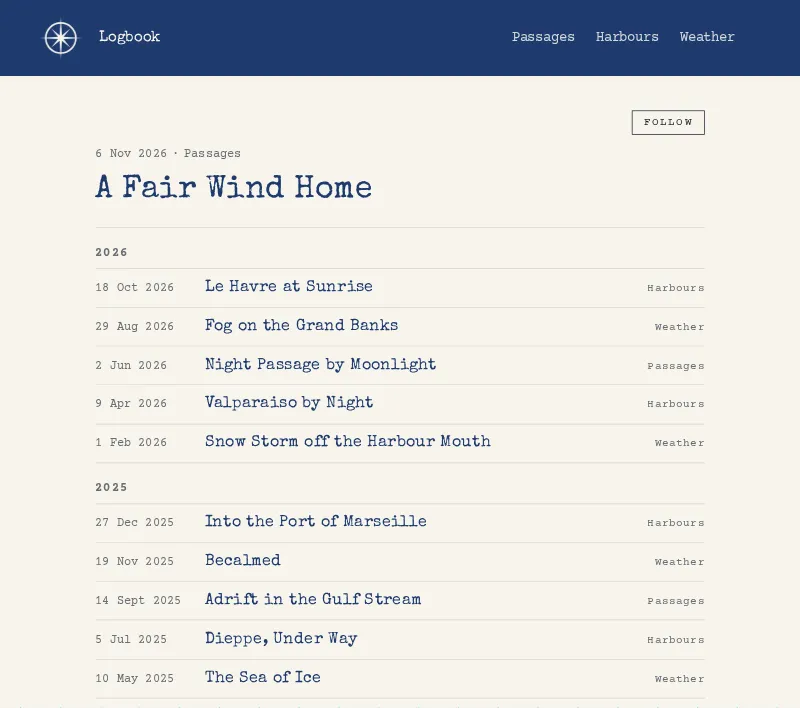
A quiet archive, grouped by year. Ink blue and typewriter type, for a ship's log.
3 templates
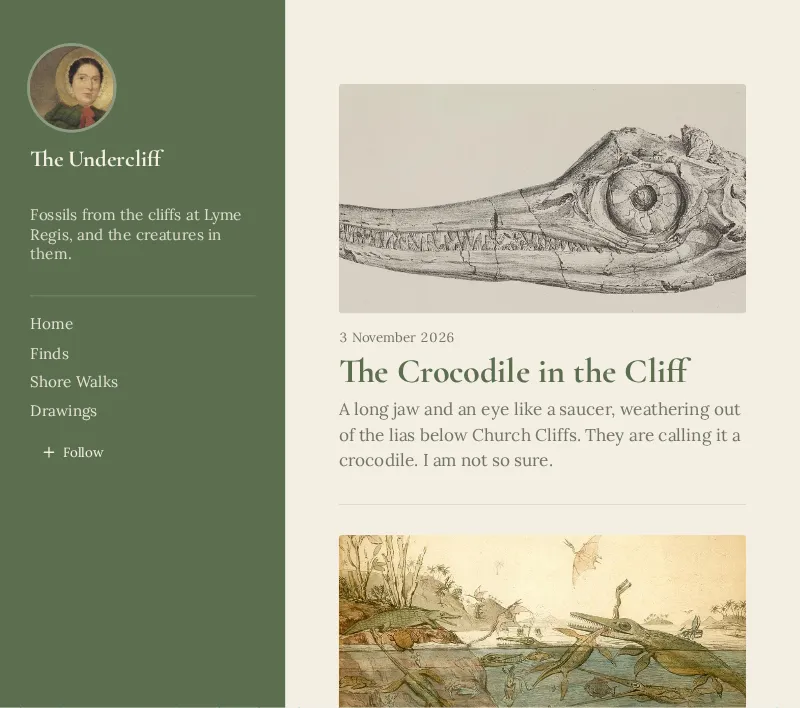
A personal page. Sage green and a gentle serif, for a fossil hunter's notebook.
3 templates
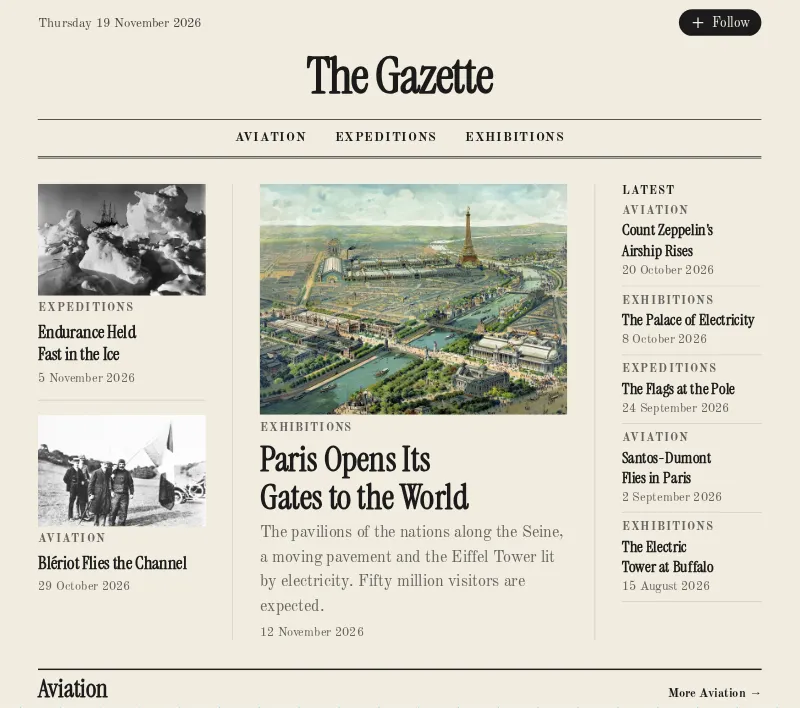
A newspaper. Black ink on newsprint, for the news of the early 1900s.
3 templates
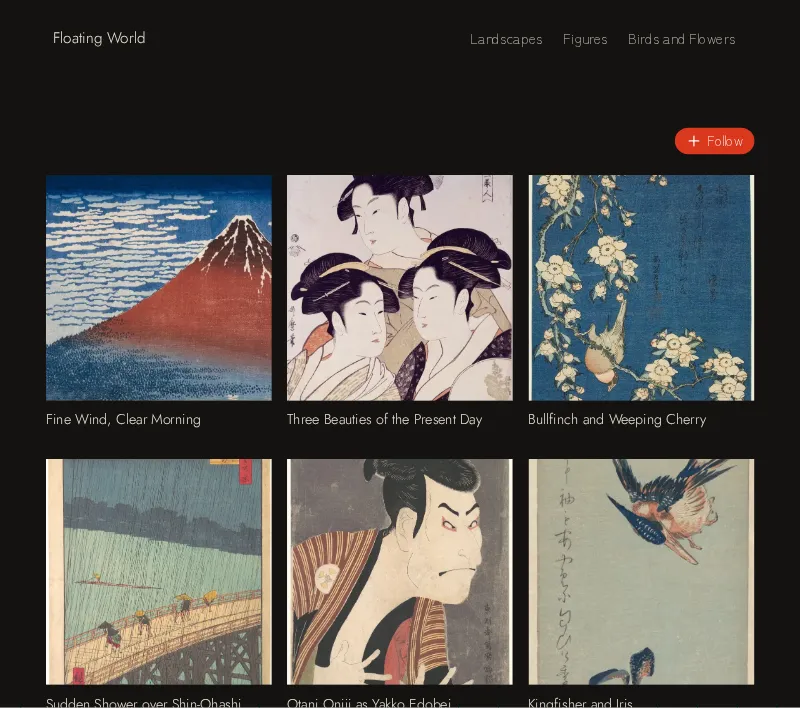
A portfolio of cover images. Vermilion on near-black, for Japanese woodblock prints.
3 templates
Made with SkyScribe
These sites are live now, built with the design wizard and written from a Bluesky account. Each one opens in a new tab.
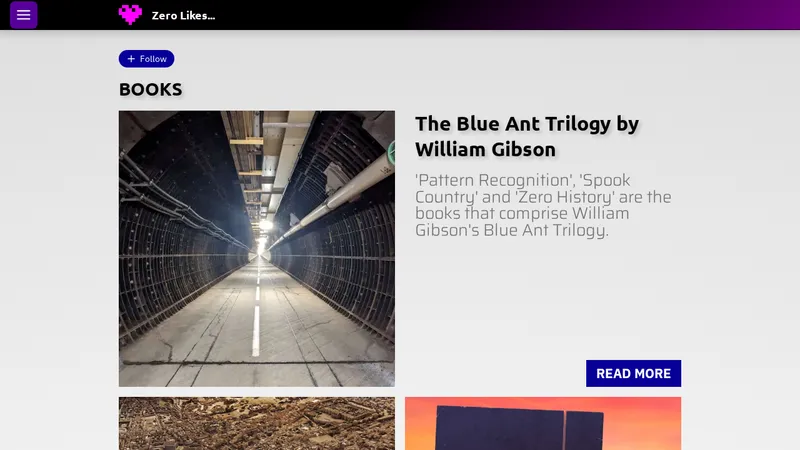
Games played, books read and films watched, with ideas for what to try next.
zero-likes.skyscribe.site
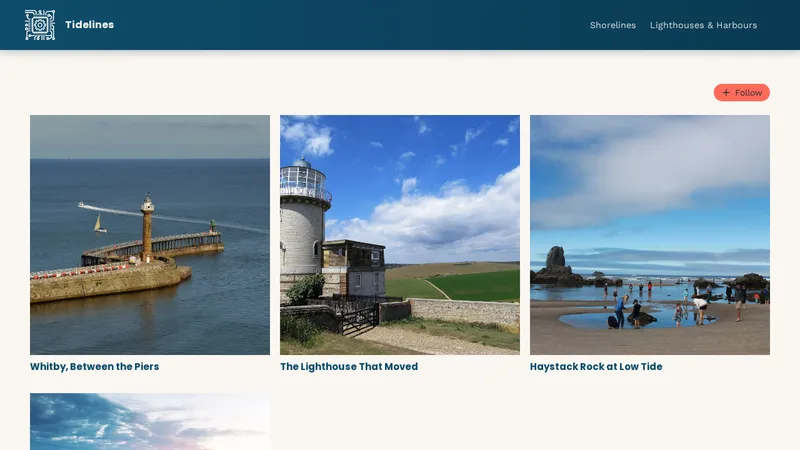
Tide pools, sea stacks and coves: a coastal blog we made with the wizard.
tidelines.skyscribe.site
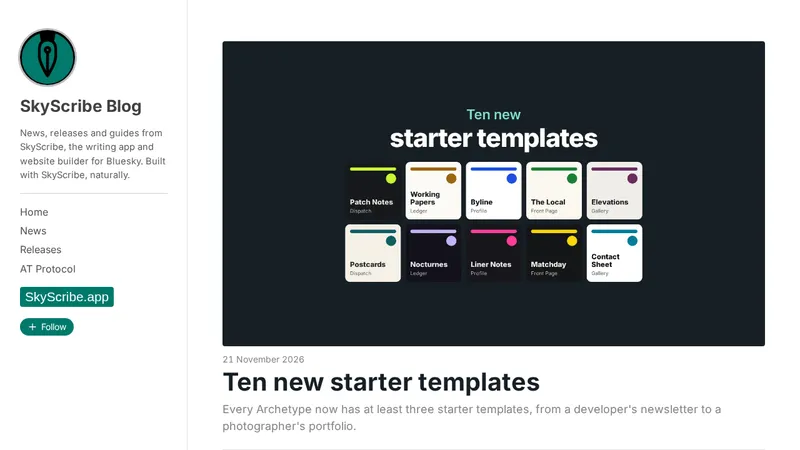
News, releases and guides from SkyScribe, written and published with SkyScribe, on its own domain.
skyscribe.blog
Open by design
SkyScribe saves your writing in site.standard, the shared format that apps on the AT Protocol use for blogs. That means your writing isn't tied to us. Other readers and apps on the open network can find and show it, and you can bring in what you wrote elsewhere.
Some of the other apps that use the same format:
Your content is standard records in your account, readable by any app that speaks site.standard.
Readers on other apps can discover your writing, not just visitors to your site.
If SkyScribe disappeared tomorrow, your writing would still be in your account.
For developers
The SkyScribe SDK is a free, open-source set of packages that shows a Publication on any website or app, in any framework. You get the articles, Categories, RSS feed and sitemap, and the author keeps writing in SkyScribe. It's free: no PRO needed.
import { usePublication } from "@skyscribe-sdk/react";

function BlogIndex() {
  const { publication, loading, error } = usePublication(
    "alice.bsky.social",
    "https://alice.bsky.social",
  );

  if (loading) return <p>Loading…</p>;
  if (error) return <p>Something went wrong.</p>;

  return (
    <ul>
      {publication.categories.map((category) =>
        category.documents.map((ref) => (
          <li key={ref.uri}>{ref.title}</li>
        )),
      )}
    </ul>
  );
}
Pricing
$0
for as long as you write
$10
USD a month for 1 SkyScribe Site
your-name.skyscribe.siteCancel any time. Your sites stay live until the end of the period you've paid for, and your writing is never affected.
Questions
Yes. You sign in with Bluesky and your writing is stored in your account. You don't have to post on Bluesky: the account can just be where your writing lives.
Nothing. It stays in your Bluesky account. A hosted SkyScribe Site stops when your subscription ends, but your writing is untouched.
Yes. Every SkyScribe Site starts at your-name.skyscribe.site, and you can connect a domain you own, such as www.example.com, at no extra cost. Using your own domain
Yes. Invite them as Collaborators. They write on their own accounts and submit Documents for you to approve. Collaborators & Contributors
More questions? Read the FAQ
Design your site in minutes. Sign in only when you're ready to save it.